
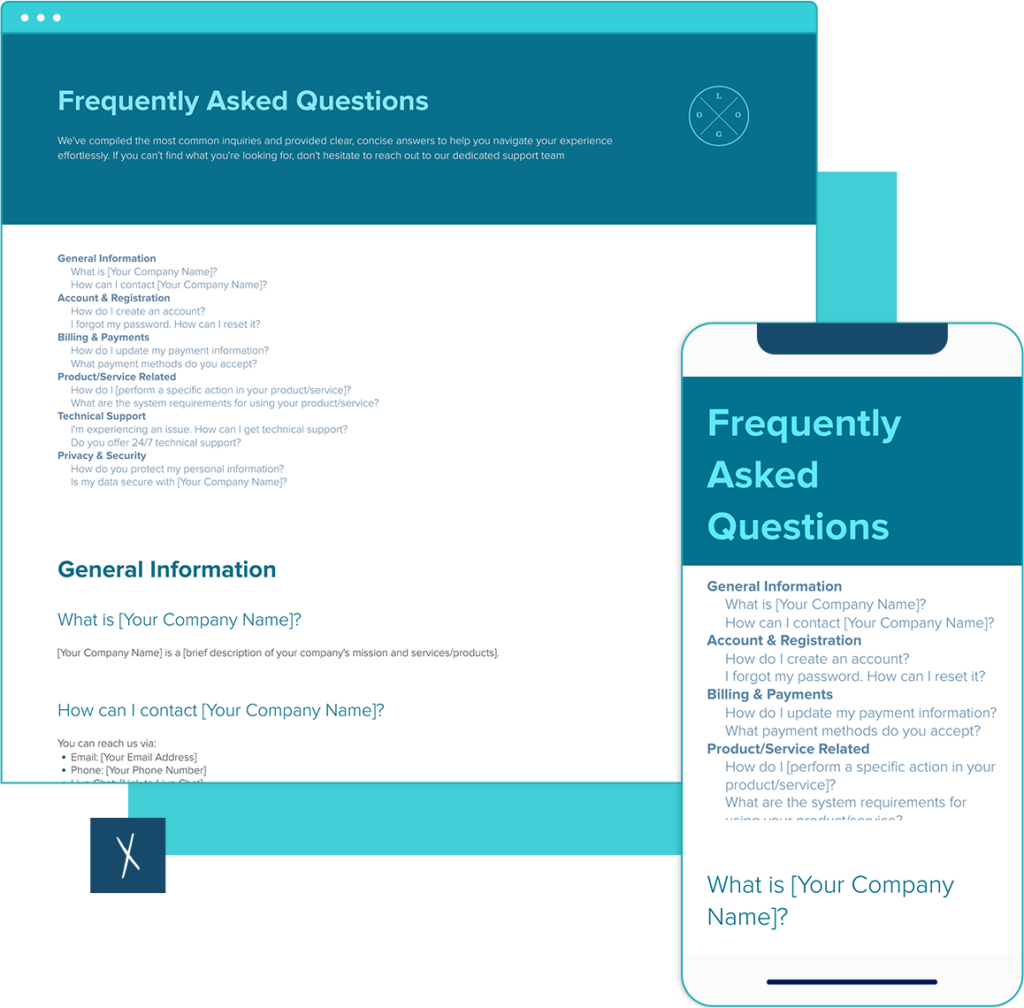
FAQ Template
Build a clear FAQ in minutes. Start with a proven layout, add your content, share a live link, and export on-brand—easy.
What to include · Examples · How to customize · FAQs
Build the docs that drive your business: Fast. On brand. Together. With AI.
Join 375,404 professionals using Xtensio.
Turn common questions into a polished FAQ in minutes—no formatting headaches.
What to include in an FAQ
- Top questions in users’ language (not internal jargon)
- 1–3 sentence answers with next steps and links
- Group by topic (Account, Pricing, Product)
- Contact or escalation path for edge cases
- “Last updated” date and page owner
FAQ examples
- Account & Billing: “Do I need a credit card to start?”
- Product: “How do I export on-brand to PDF/PNG?”
- Security: “Can I password-protect a live link?”
How to customize this FAQ template
- Duplicate the template and apply your logo & brand styles.
- Group questions by topic; front-load the most common.
- Keep answers short; link to deeper docs where needed.
- Add a contact or escalation path for edge cases.
- Publish via live link and export PDF/PNG for your site.
Frequently Asked Questions
What should a FAQ include?
Include:
Clear, user-language questions
Concise answers with next steps/links
Contact/escalation path for edge cases
How many questions should I list?
Aim for 8–15. If you have more, split into sections (e.g., Account, Pricing, Product). This keeps the page scannable and prevents decision fatigue.
How should I organize the FAQ?
Group by topic and order by frequency. Put the most common questions first. Use descriptive headings, one idea per answer, and internal links to related templates or guides.
Where should the FAQ live on my site/page?
For a standalone FAQ page: link it from top nav (Help/FAQ) and footer. On a product page: place the FAQ after the main overview or pricing. Add cross-links from checkout, pricing, and support to reduce drop-offs.
Can I share and export this FAQ?
Yes. In Xtensio, you can share a live link (optionally password-protected) and export on-brand to PDF/PNG. That makes it easy to publish the FAQ on your site and send it to stakeholders. You can even publish it under your own domain.
How do I keep the FAQ up to date?
Assign an owner, review monthly or quarterly, and add questions surfaced by support/search logs. Note a “Last updated” date so readers trust the content. Xtensio is built for this!
Related to the FAQ Template
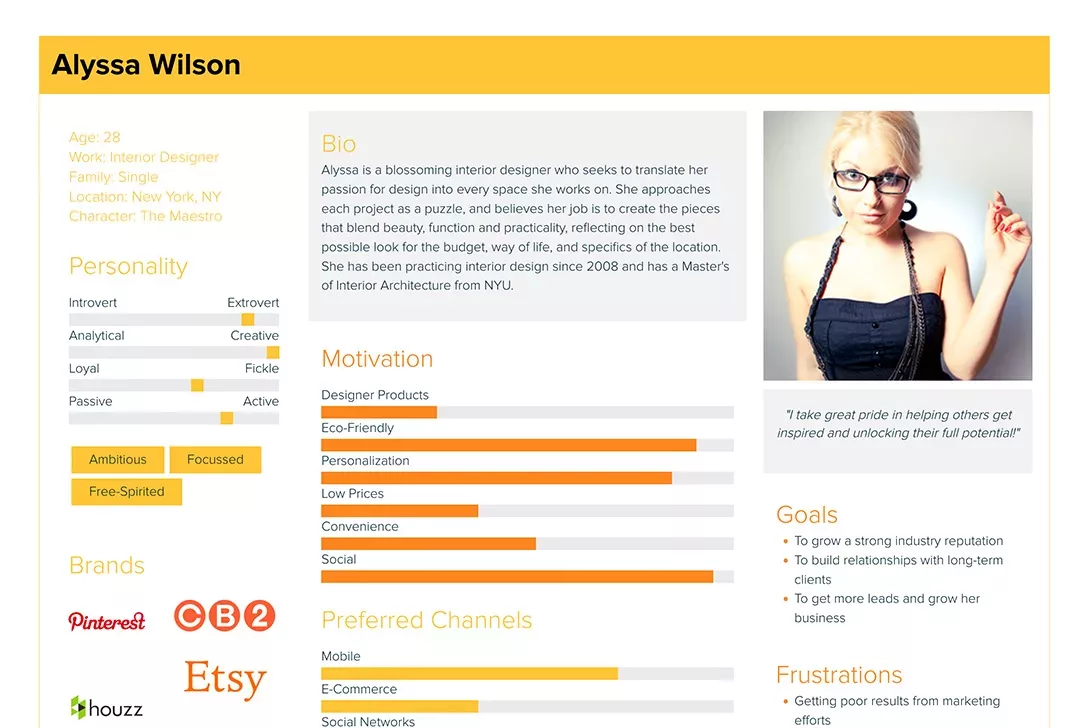
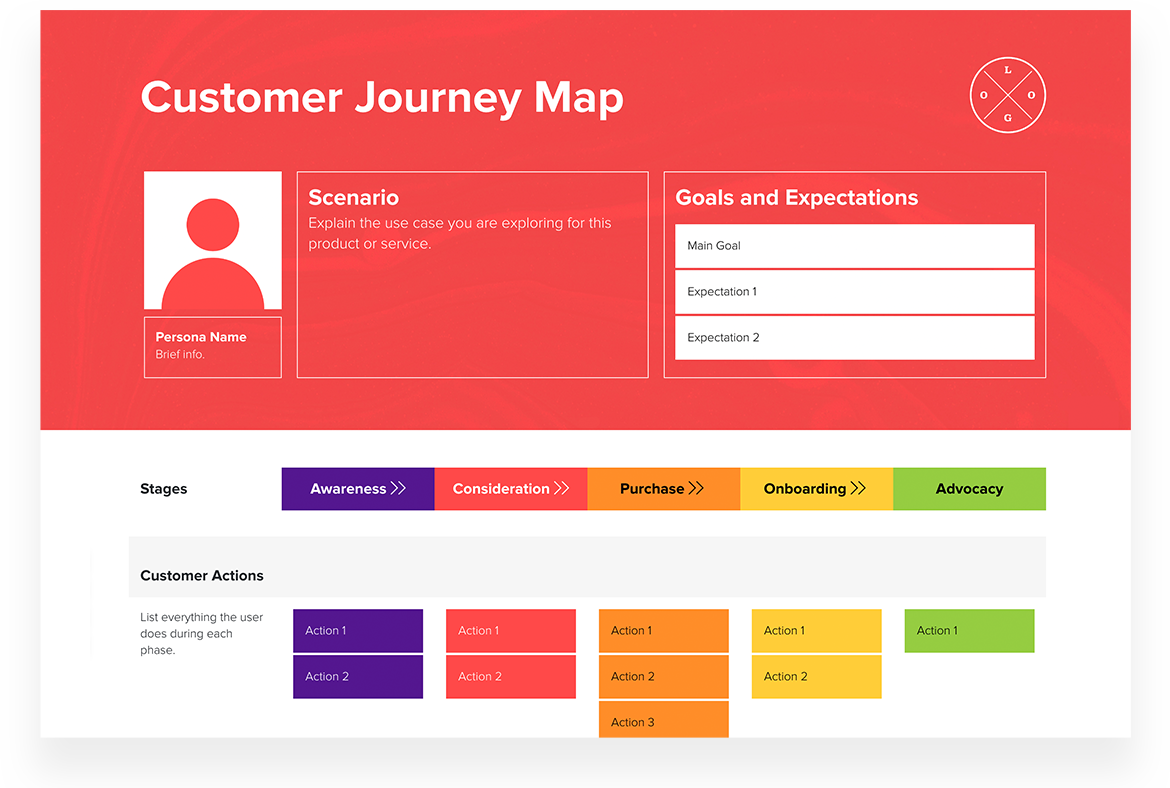
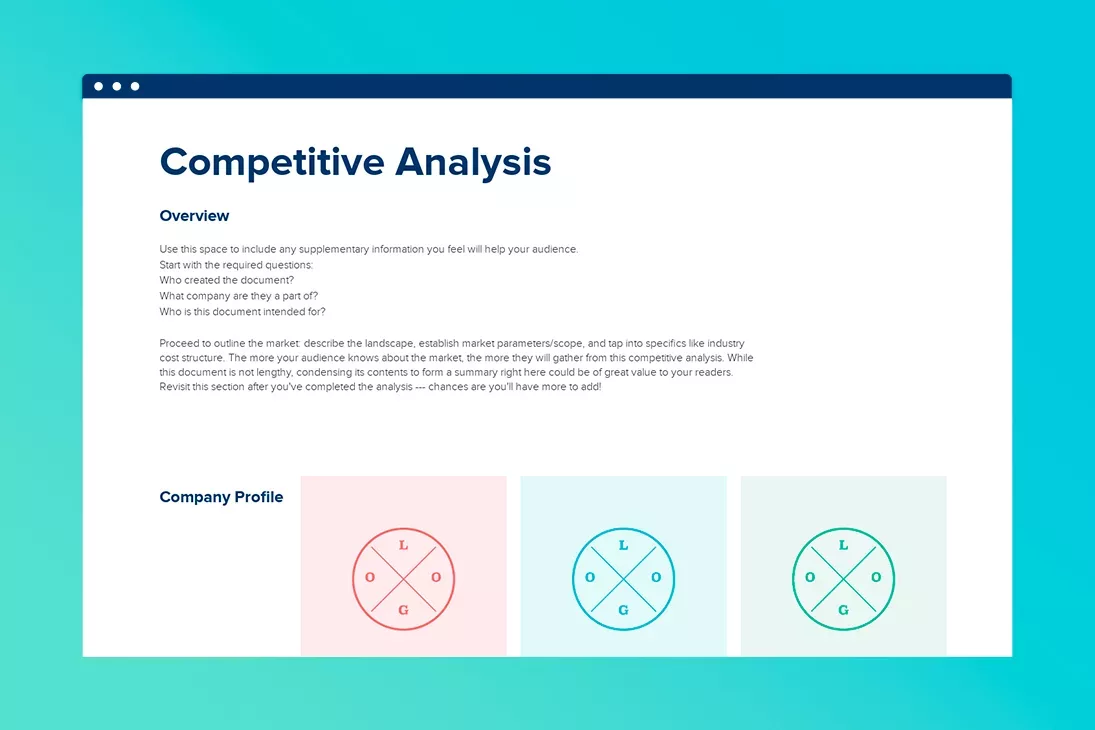
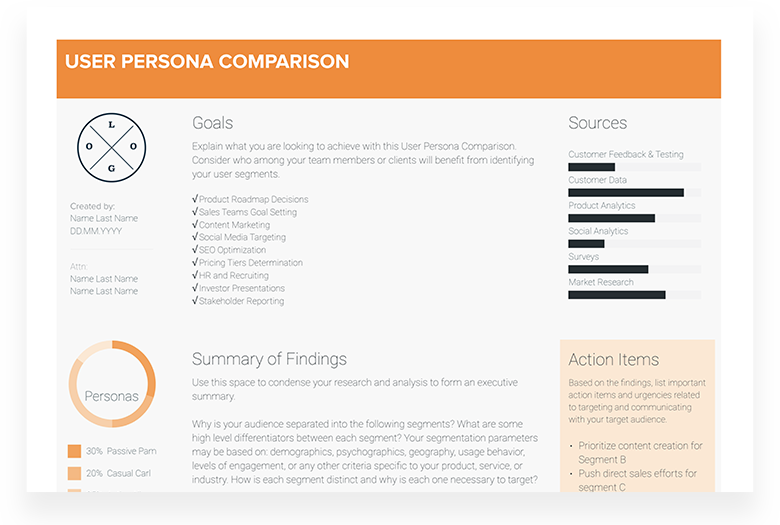
Fully customizable templates that you can make your own.
Used by the world’s top businesses.
375,404 users and counting.



Jerome Katz
Professor of Entrepreneurship @

Jake Peters
CEO @

Robin Bramman
Founder and Chief Brand Mixologist @

Alix Han
VP Product Experience @

Marc Anthony Rosa
Product Manager @

Anna Yunker
Content Strategist @

Robin Eyre
Owner @

Adam Sher
CEO @

Humma Arshad
Salesforce Project Manager @

Teamspace for smart, beautiful deliverables.







375,404 users and counting…
